

Book now with us. February and March are wonderful months to visit Zion National Park. Much less people and cooler temperatures means a great time to be had. Spring is just around the corner.
Rent an E-bike from us and enjoy Zion National Park at your own pace, just $89/day.
Nestled in the Red Rocks and
the Shadow of Zion National Park
Located just five miles outside of Zion National Park, sits this quaint four-bedroom four-bathroom bed and breakfast. Tyler Inn at Zion offers travelers cozy lodging to relax and unwind after a busy day of exploring and hiking the beautiful trails in the US Southwest.
Reminiscent of the old Victorian homes
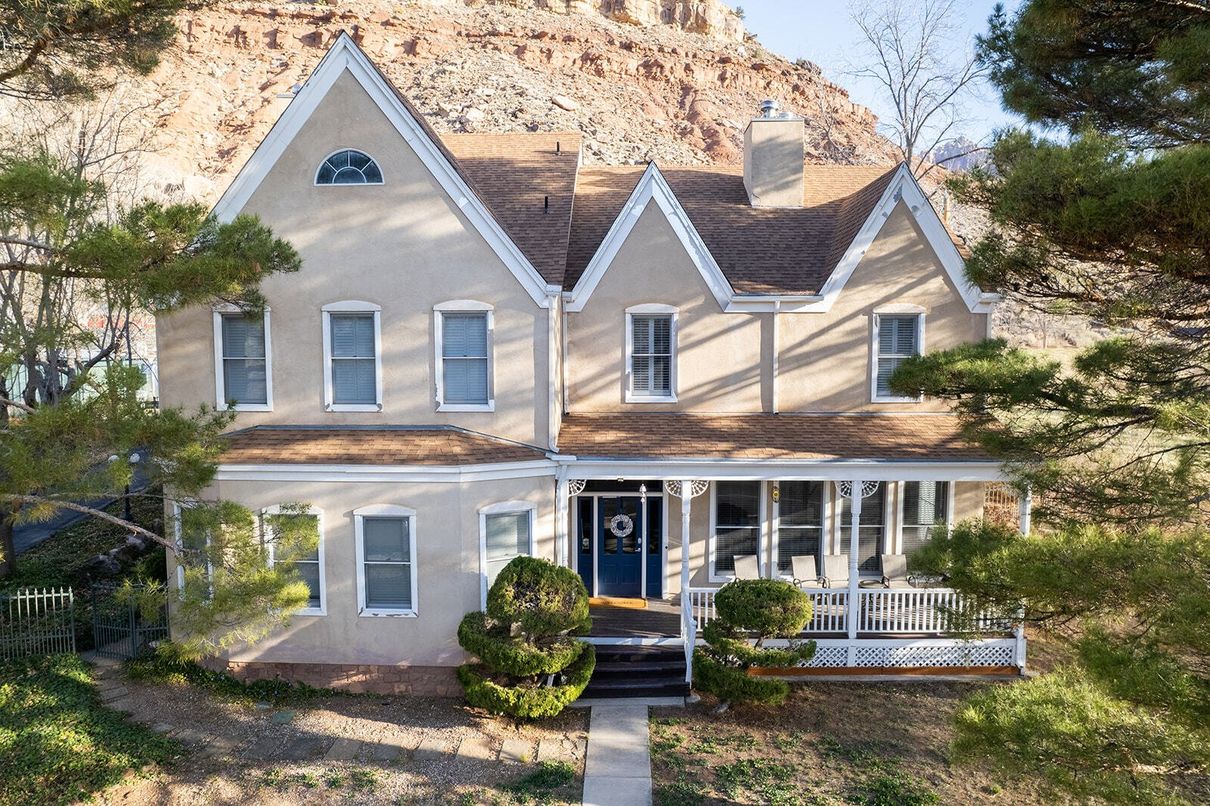
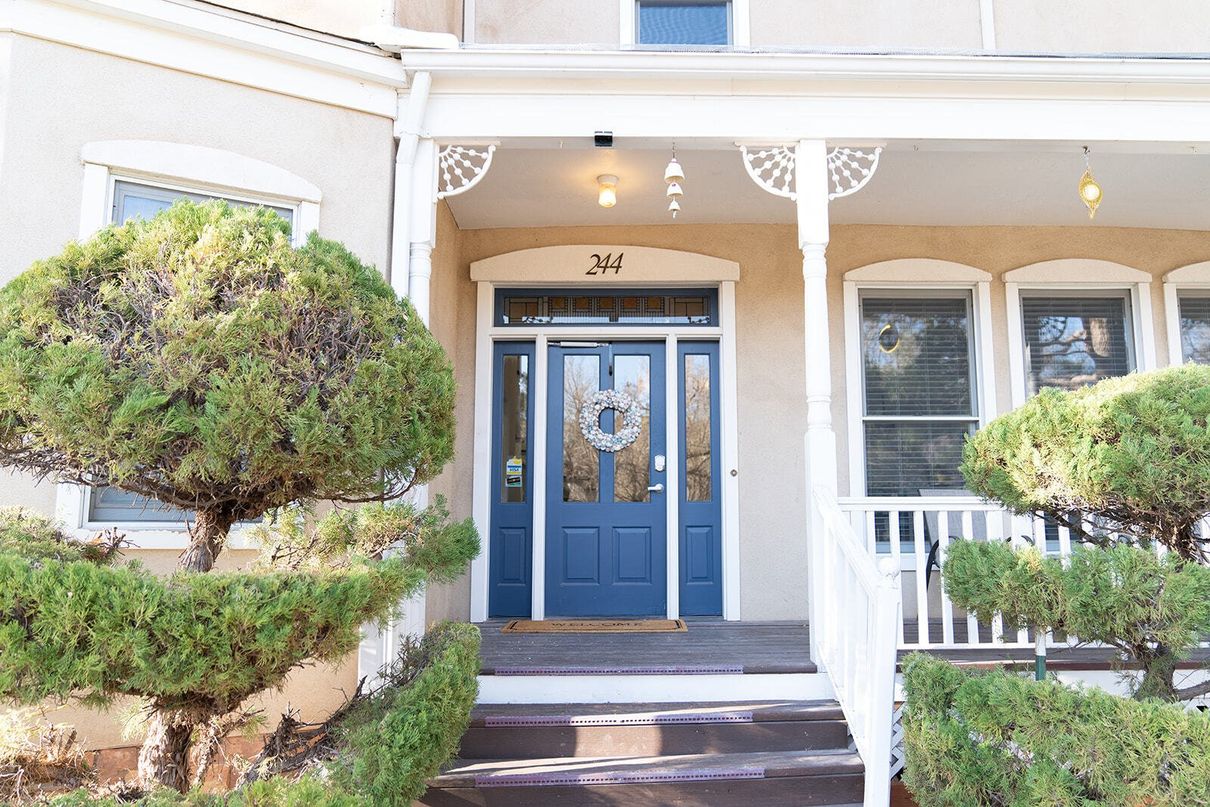
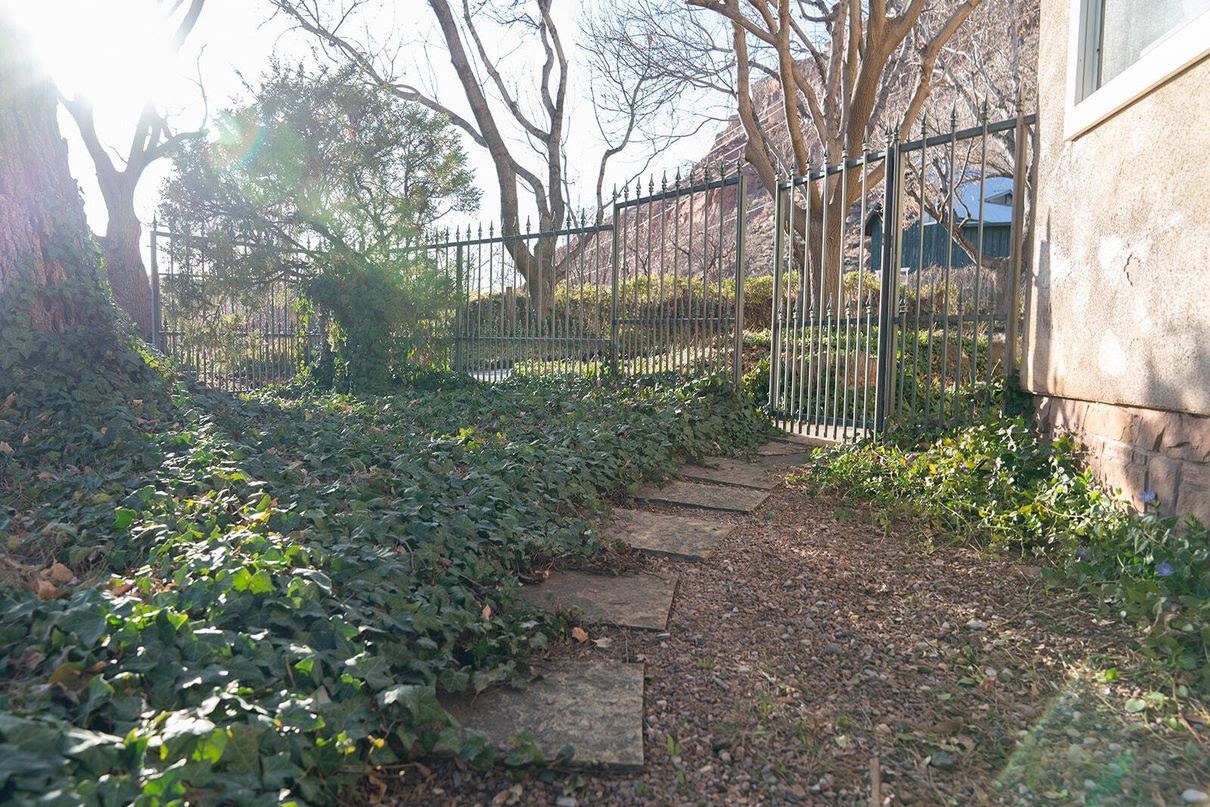
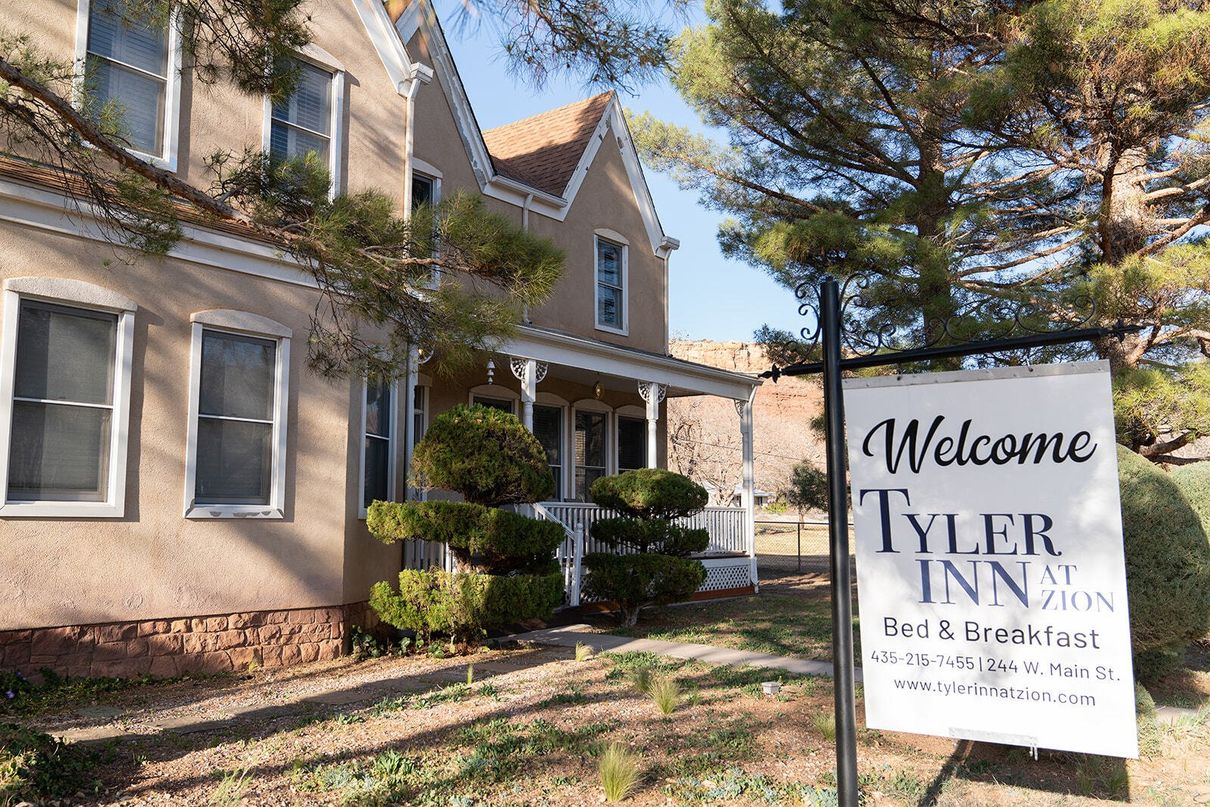
From the beginning, our house was built as a Bed and Breakfast. The Tyler Inn at Zion offers all the modern amenities, including on-suite private baths, wide hallways and stairwells, and Hi-Speed Wi-Fi Internet access in each guestroom. Southern Utah is famous for its rock formations, but you will also enjoy plenty of greenery in and around the inn, mountain views, lots of art pieces within, outside lounge chairs on the front porch and back patio and fire table to enjoy smores, and more.
Our Rooms for You
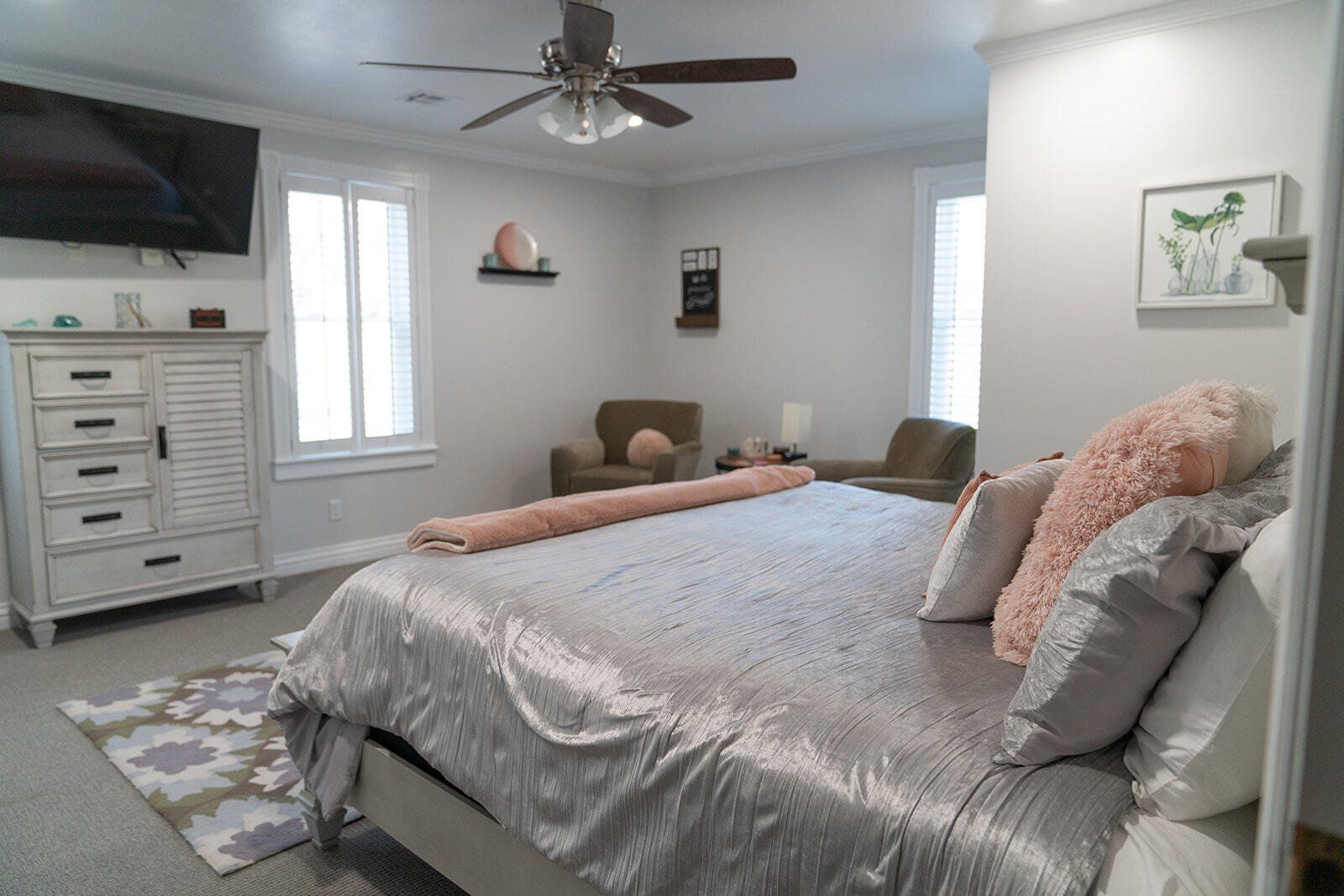
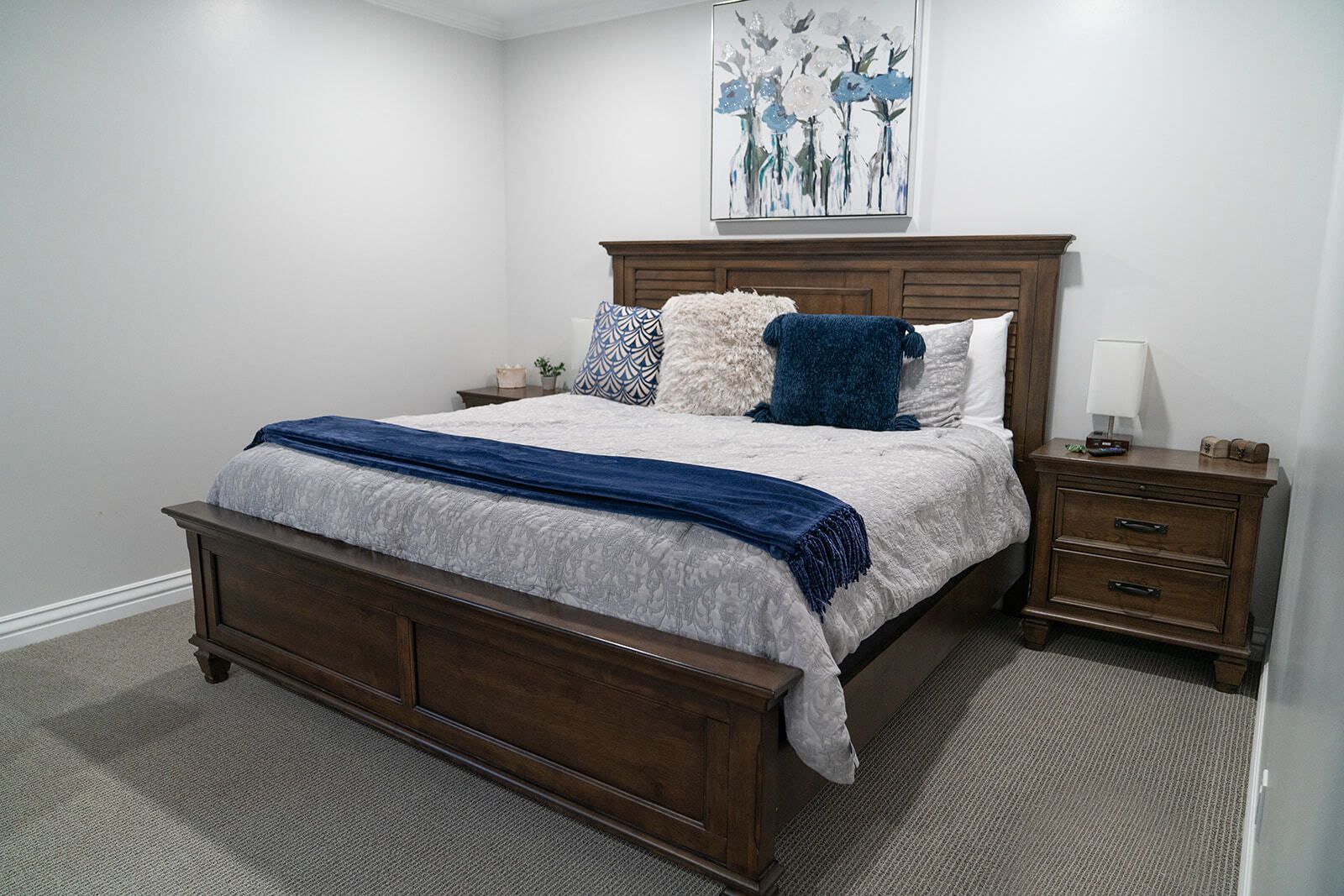
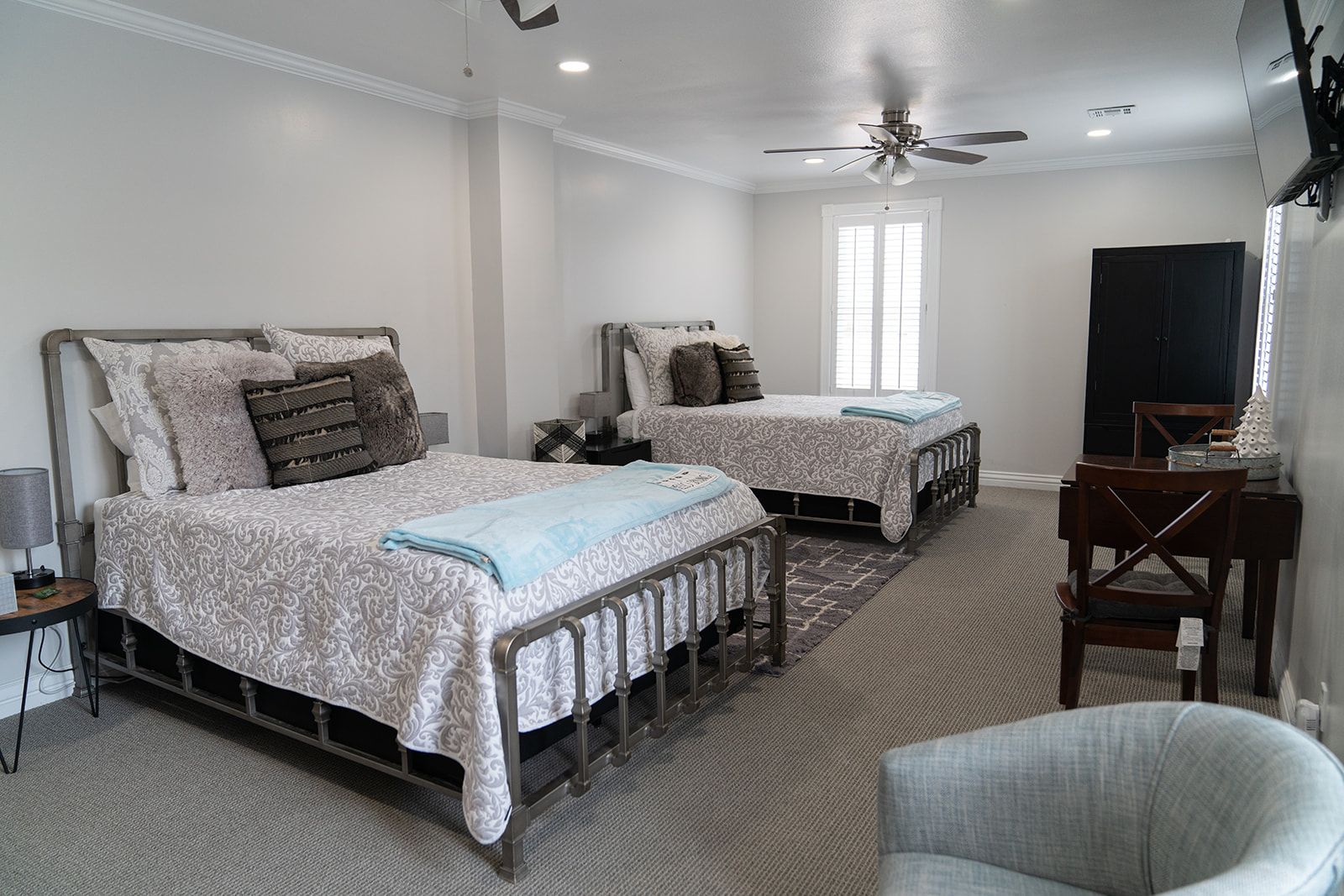
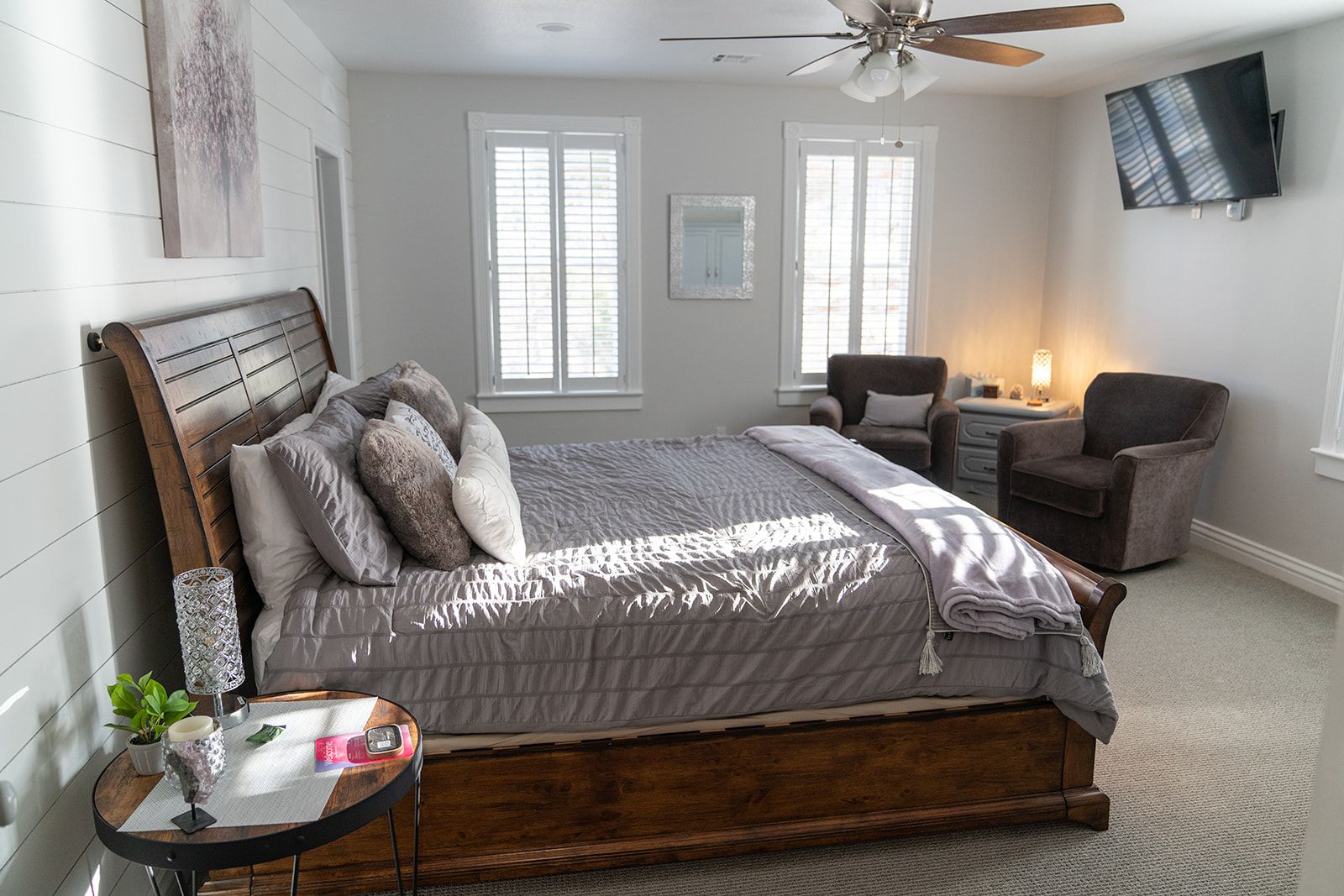
Our rooms are large, between 220 sq.ft and 330 sq.ft, NOT counting the private bath areas. The ceilings are 8.5 feet high, so they are truly elegant. Each room has a Roku TV for streaming services and free Wi-Fi. Of course, there is Central Air Conditioning for you to enjoy when it gets too warm outside.
We have three rooms that accommodate two people with king size beds. Our Timber Creek room accommodates four people and has a separate shower and a free-standing tub. Each additional person is $29 per night for a roll-away bed. During the long weekends we require a two-night minimum stay.
ALL PRICES AND DISCOUNTS ARE SUBJECT TO CHANGE WITHOUT NOTICE. PRICES ARE NOT GUARANTEED UNTIL RESERVED. All prices are in US dollars. Taxes are extra. Restrictions and conditions apply. The cancellation period is two weeks for a full refund, please see our
policies page for the details.
-
![Kolob Terrace Room]()
KOLOB TERRACE
ButtonThe views are of Rockville Bench and Johnson mountain of Zion National Park. 304 sqft, King size bed, walk in shower double vanity.
King size bed.
The room faces a pistachio orchard in the backyard of the house, which makes it extra-quiet.
Large private bathroom.
Rate: See Calendar.
-
![Zion Grotto Room]()
ZION GROTTO
ButtonThe view is of the Rockville Bench. The Zion Grotto room is 232 sq ft with a King size bed, plantation shutters, and a walk-in shower. The room includes a ceiling fan and a Roku TV for streaming your favorite programs.
Rate: See Calendar.
-
![Timber Creek Room]()
TIMBER CREEK
ButtonThe Timber Creek room has views of West Temple and Smithsonian Mesa. This room is 351 sq ft with two Queen size beds, plantation shutters, a walk-in shower and free-standing soaking tub. The room includes ceiling fans and a Roku TV for streaming your favorite programs.
Rates: See Calendar
-
![The Subway Room]()
THE SUBWAY
ButtonThe Subway room has views of sunsets and Smithsonian Mesa. This room is 292 sq ft with a King size bed, plantation shutters and a walk-in shower. The room includes a ceiling fan and a Roku TV for streaming your favorite programs.
Rates: See Calendar
Breakfast with a View
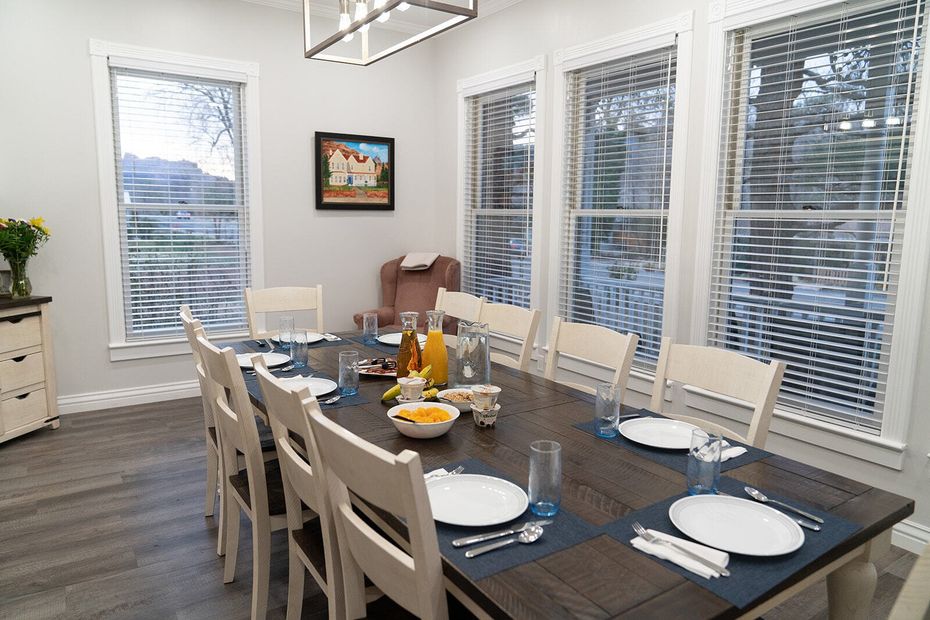
In the morning, we treat our guests with a delicious homemade
breakfast, served in our sunny dining room with views of surrounding mountains and mesas. You are also welcome to use our porch, where you will enjoy mountain views or have fun watching the hummingbirds chasing each other while drinking a cup of coffee. We also offer a "Grab n' Go" breakfast for those wanting to beat the crowds into the park. This consists of hard-boiled eggs, muffins, fruit, coffee, teas, etc.
At the Gates of Adventure
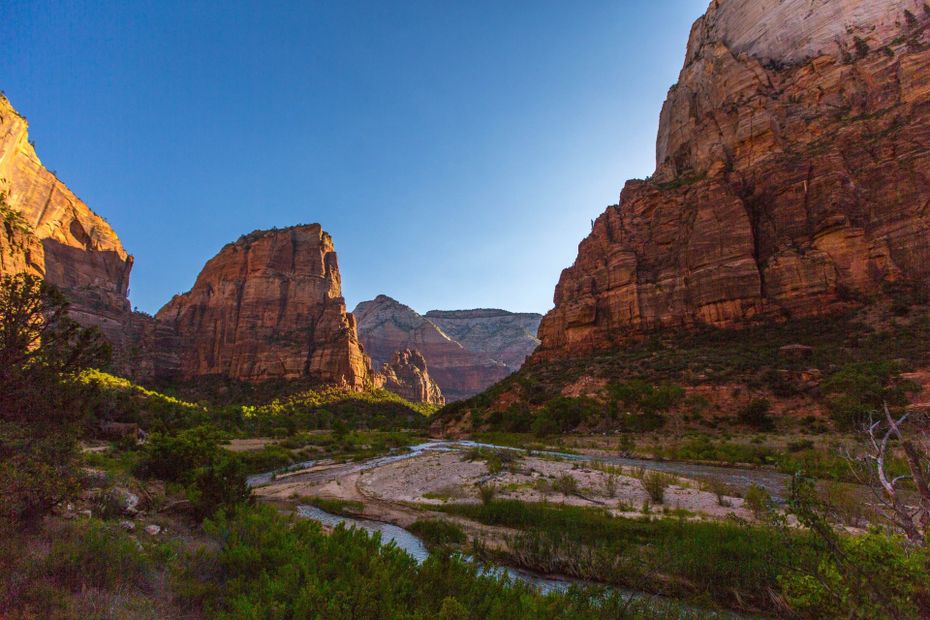
Zion National Park sees over five million people every year. Don’t want to miss out? Visit Tyler Inn at Zion today for all your bed and breakfast needs. We just finished completely renovating the entire inside. Visit our
Reservations page to book your stay! You can also follow us on
Facebook or
Instagram. We’ll see you soon!

Amenities
Air Conditioning
Cable/Satellite TV
Free Parking
Free High Speed Wifi
Free Hot Breakfast
Coffee/Tea Maker
What Our Guests Are Saying

SEE MORE REVIEWS HERE